



Once the Creator Kit has fully loaded for the first time, you will be prompted to make a new mod. If you want to make a new mod at any time, go to the Field of Heroes menu and click Create New Mod.
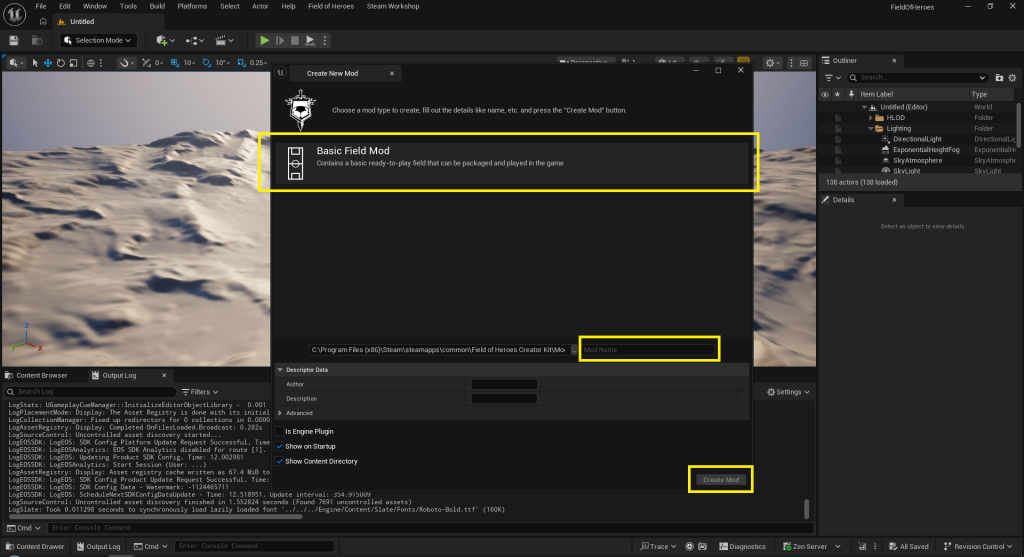
Click on Basic Field Mod, then type in a name for your mod where it reads Mod Name; then finally press Create Mod.
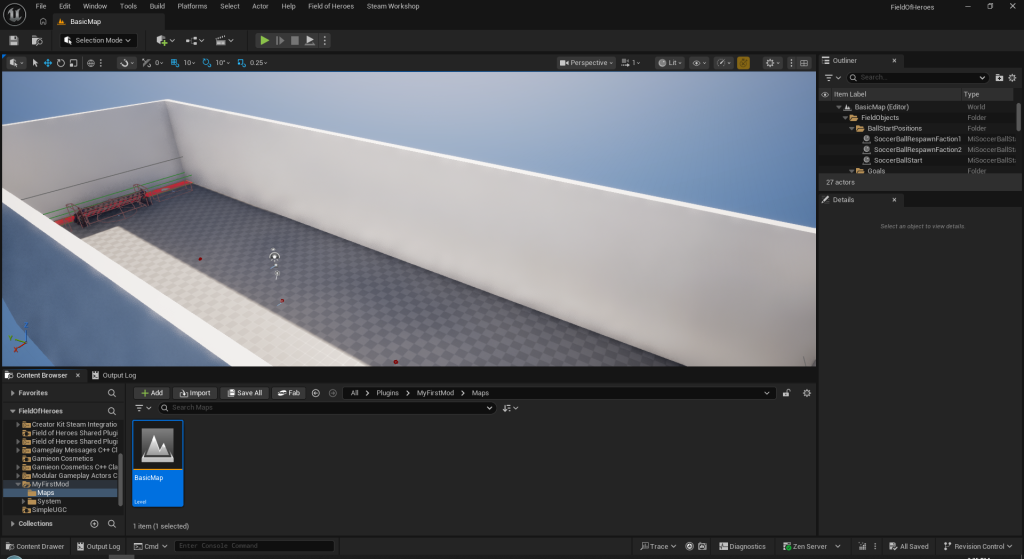
Your first mod will be created and the Creator Kit will take you to your mod’s field. It is the simplest field possible that can be packaged and distributed out of the box. From here you can begin making changes to your field, such as adding artwork around the field and obstacles in the field.